
Log
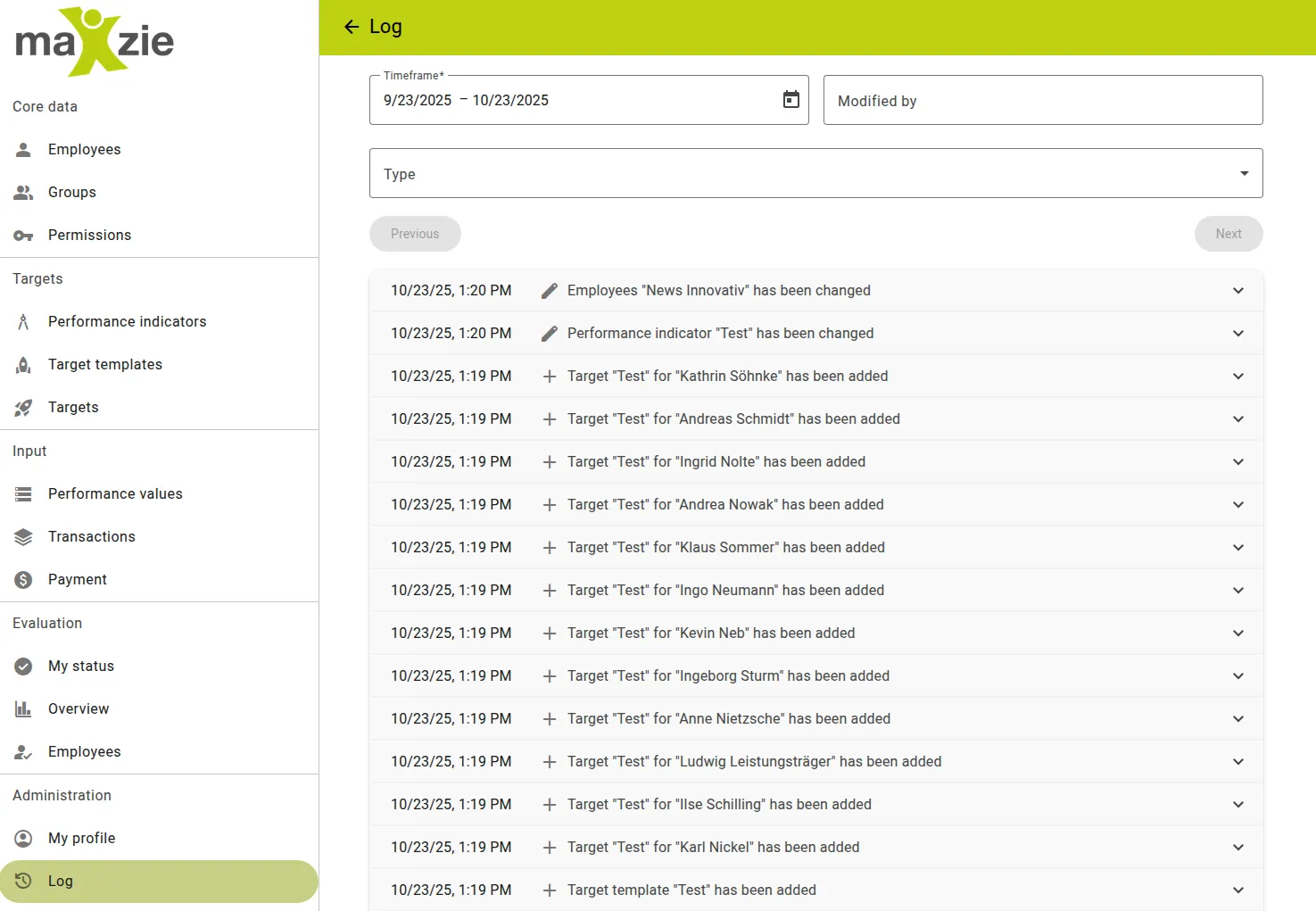
In maXzie, there is an integrated logging option under “Administration” in the menu. Viewing this log is available for superusers. Changes and the users who made them are tracked for the following objects:
- Employees
- Groups
- Permissions
- Performance Indicators
- Target Templates
- Targets
- Payment
Individual entries can be opened to obtain the following information:
- Date of change
- Change made
- Employee who made the change
- Type ID of the changed object
- Sequential number of the change
- Type of the changed object
- Before/after status
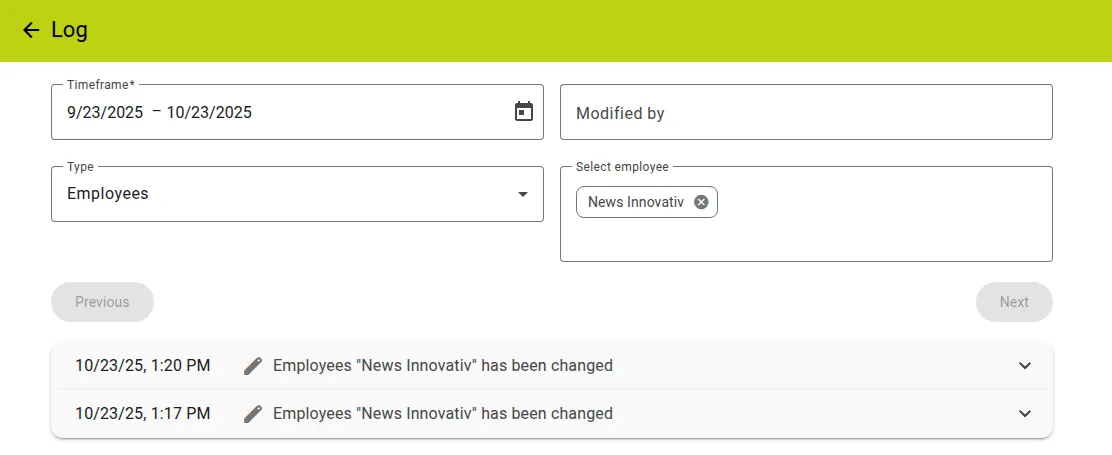
Entries can also be filtered by:
- Time period
- Who changed the object
- Object type
- Selecting multiple objects of the selected type
Approximately 50 entries are displayed per page. The pages can be browsed using the “Next” and “Previous” buttons.